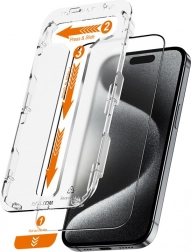
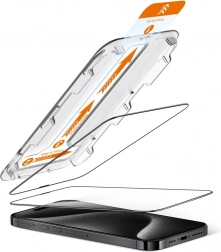
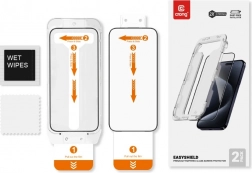
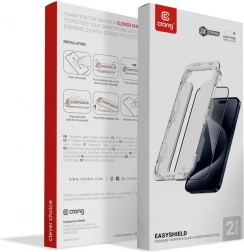
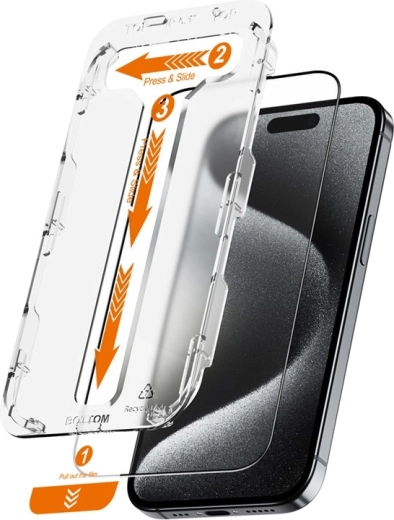
The innovative EasyShield mounting method allows for quick installation of the glass. The special Press & Slide tool ensures precise placement of the glass onto the iPhone display, and the Dust-Free sticker prevents dust from settling under the glass.
Installation instructions:
1. Carefully clean and degrease the display with an alcohol wipe, then dry with a microfiber cloth (included in the package).
2. Fit the installation frame with the installed glass onto the front side of the phone (the part marked as TOP should be on the side of the front camera).
3. Fully remove the sticker marked with number 1.
4. Press the glass along the cutout in the installation frame and wait 20 seconds.
5. Carefully remove the installation frame along with the protective film.
6. If necessary, push out air bubbles using the included squeegee.
7. For the installation of the second glass, move the sticker marked with number 1 through the cutouts at the bottom part of the frame.